Aperture’s Quick Preview
19 Mar 2008I was chatting with Damien a couple of days ago about Aperture and photography in general. One of his comments about Aperture referred to the loading notice you get whenever you switch view to a new image in the viewer. I have been playing with this and although it is still quick to change, it can get a bit bogged down if you have a lot of images to skip through. I then experimented with the Quick Preview mode… what an amazing difference it made to browsing.
Press ‘p’ whilst in the Aperture browser and you will find that ‘Quick Preview’ is displayed underneath the picture.
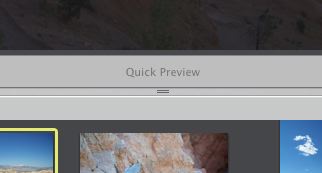
With this on, try skipping through pictures and check the speed difference. As soon as you want to slow down again and begin working on the images, press ‘p’ to toggle quick preview mode off.