‘Mac OS X’ hints column #1 – Filemerge
06 Feb 2007This may be obvious to every other Mac user out there, but as a new switcher, I need all the help I can get to try and memorise all the new things I learn about the platform.
My task for today was moving all of my 250GB of files from my old Windows backup onto a new HDD so that I could reformat the old drive for the MAC. Sounds easy but each time I tried to do the 16 hour Firewire->USB2 transfer, it would stop with an error. I have now manually copied across the files and folders but to ensure nothing was lost I needed to find a way of comparing the two directories.
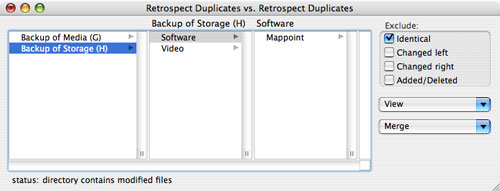
Filemerge – Small app… big help
I was very lucky to be hunting around the computer and come across this great application that I think was installed with the Apple Xcode tools. It very easily allows you to compare two text documents and luckily…even two directories. What a gem! You get two lists that are colour coded showing the differences.
Icing on the cake
I found another great addition use for this tool, it can actually merge the two directories or files together. This very simple tool has a lot of power which is why I have made a note here for myself in he future!